This is not a product page pretending the hard parts are easy. It is a working engineering notebook for two open Pine64 mobile devices. The PinePhone Pro is the active FreeBSD 15 phone target, booted from SD, built from source, documented at the patch level, and paired with the omfreebdy phone shell. The PineTab2 is the RK3566 tablet target now split into its own hardware and component maps.
Current bench state · 2026-04-27
Enough hardware works to use the phone as a real FreeBSD target.
The bring-up line has moved from "can it boot?" to "which phone subsystem should become boring next?" Boot, USB networking, touchscreen, display, native WiFi, Bluetooth A2DP, loudspeaker audio, volume keys, RGB LED, Sway, and omfreebdy menus are all live on the hardware. Modem, battery policy, camera, and suspend are still open.
What you can actually do with it
The useful split is driver work versus phone-shell work. Kernel and device-tree changes live here. The pocket-computer UI lives in omfreebdy and is installed on the phone like any other userland package.
Bootable FreeBSD phone image
● workingSD-first U-Boot, EFI framebuffer, FreeBSD 15 kernel, USB gadget networking, and a mise pipeline that rebuilds on honor instead of hand-editing a device.
Build recipeNative phone networking
◐ partialUSB-C management stays available while the AP6255/BCM43455 SDIO WiFi path scans, associates to WPA2, completes EAPOL, and binds DHCP on wlan0.
WiFi statusTouch-first Wayland userland
● workingomfreebdy supplies the Sway session, fuzzel menus, volume OSD, theme switching, gestures, LED helpers, and power-button screen control.
Open omfreebdyPanel, GPU, audio, controls
◐ partialMIPI DSI panel, Panfrost-backed Sway, RT5640 loudspeaker playback, SARADC volume keys, GPIO power key, RGB notification LED, and raw sensor sysctls are all on hardware.
Hardware mapTwo board tracks
The phone and tablet now have separate reference paths. PinePhone Pro stays as the active, bench-proven mobile target. PineTab2 gets its own hardware and component maps so RK3566 work can move without rewriting phone status pages.
RK3399S phone, active bench target
PinePhone Pro
The phone has the live bring-up narrative: SD boot, USB gadget networking, display, touch, WiFi, Bluetooth audio, loudspeaker audio, buttons, LEDs, sensors, USB-PD, and modem first light.
RK3566 tablet, Quartz64-based next target
PineTab2
The tablet now has its own reference shelf: RK3566 first-boot spine, micro-HDMI-first display plan, RK817 power path, Goodix touch, SC7A20 sensor, and the explicit BES2600 skip.
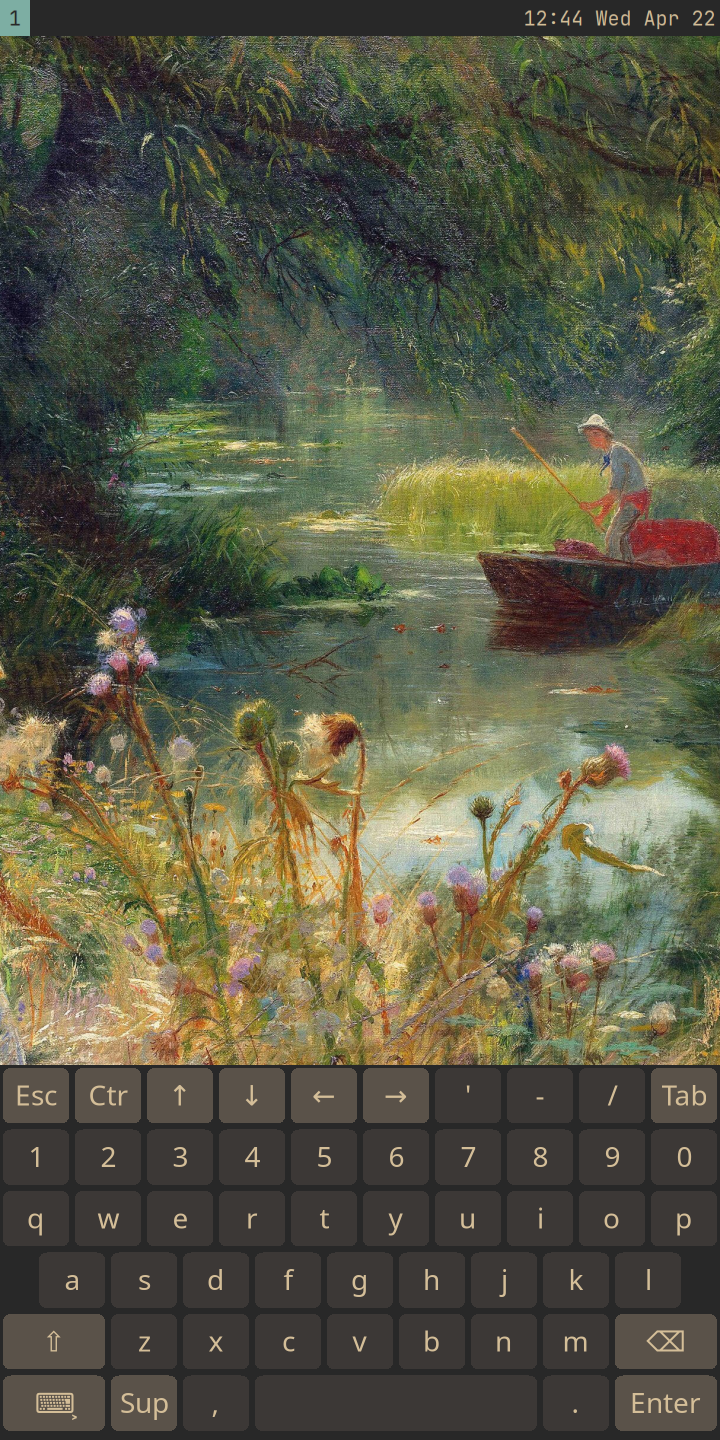
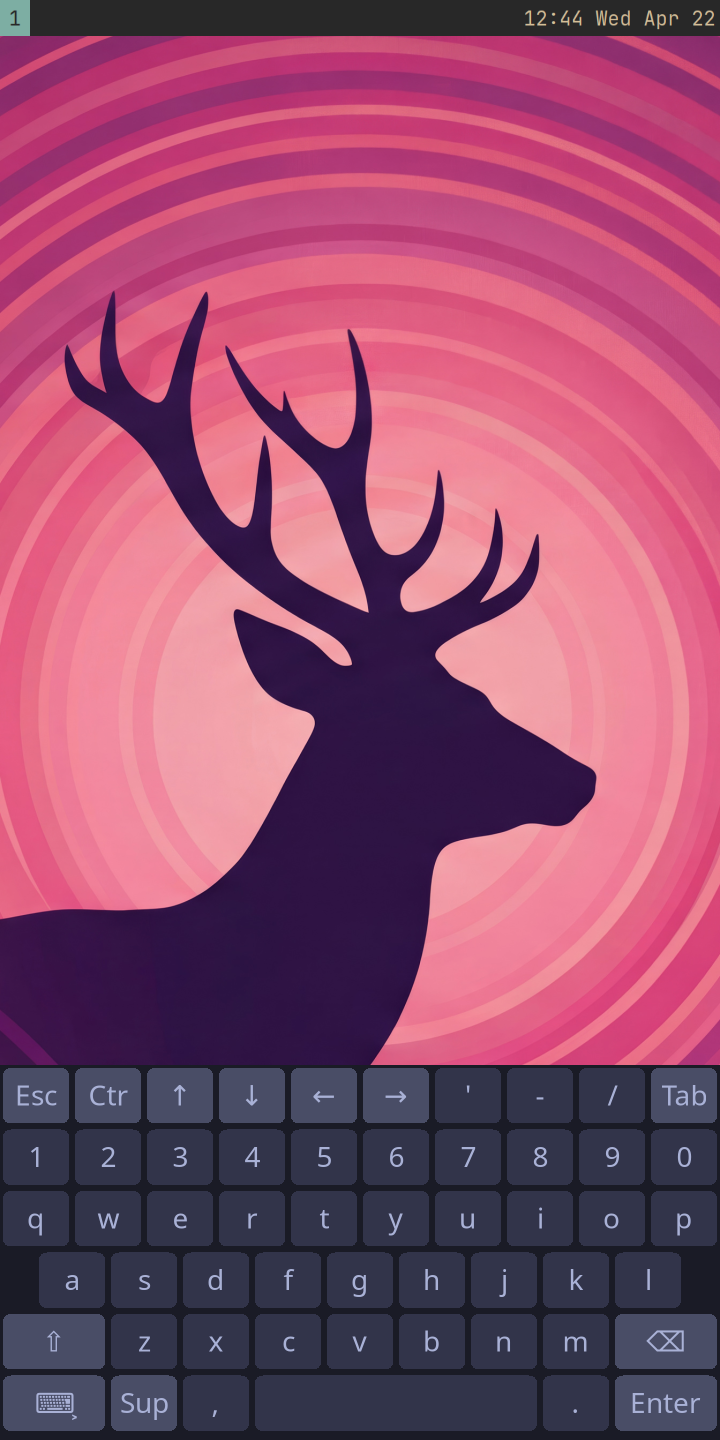
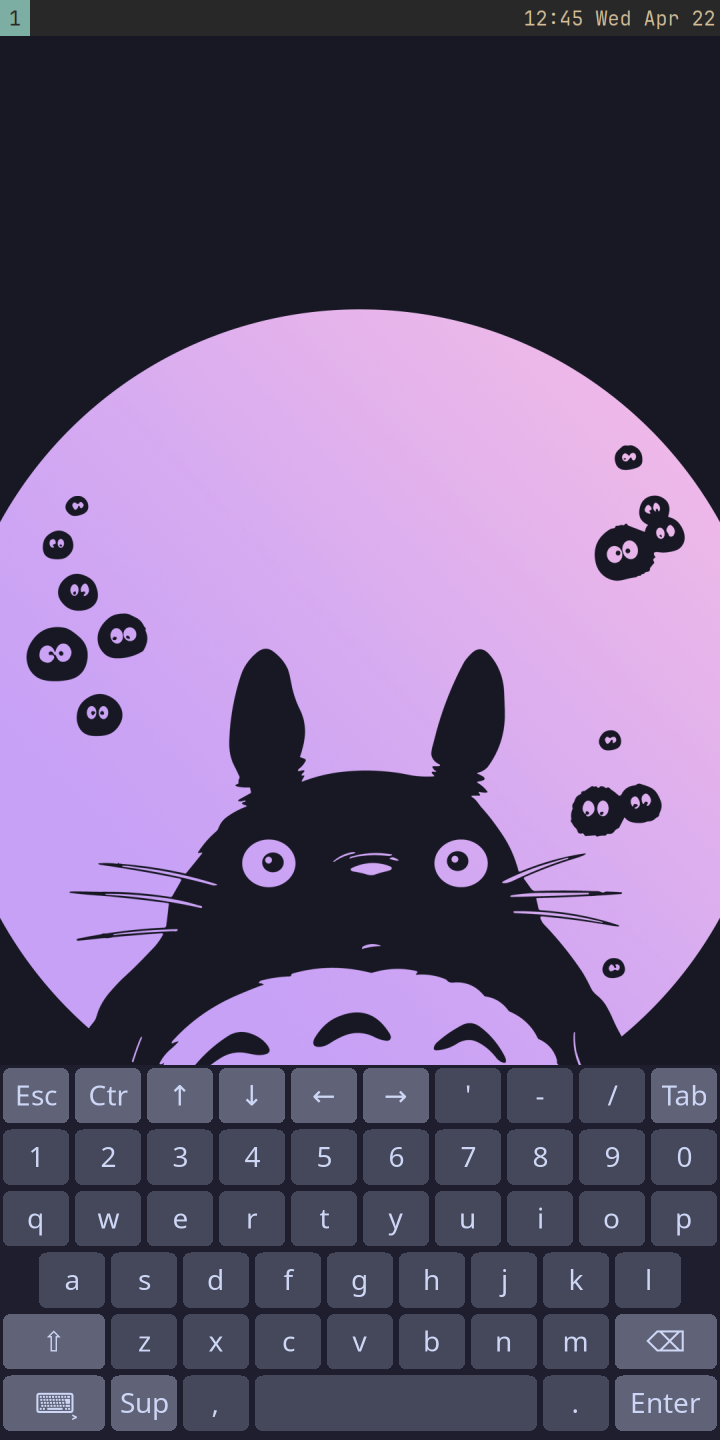
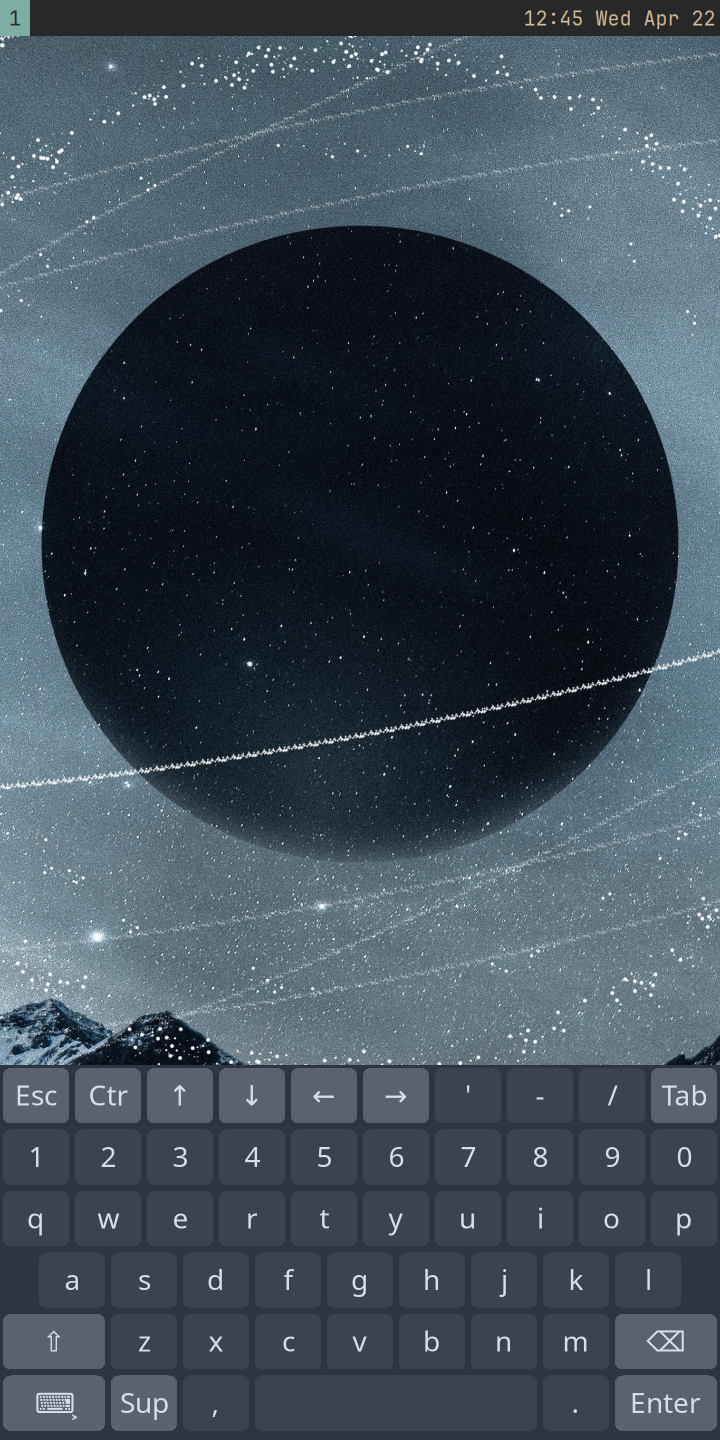
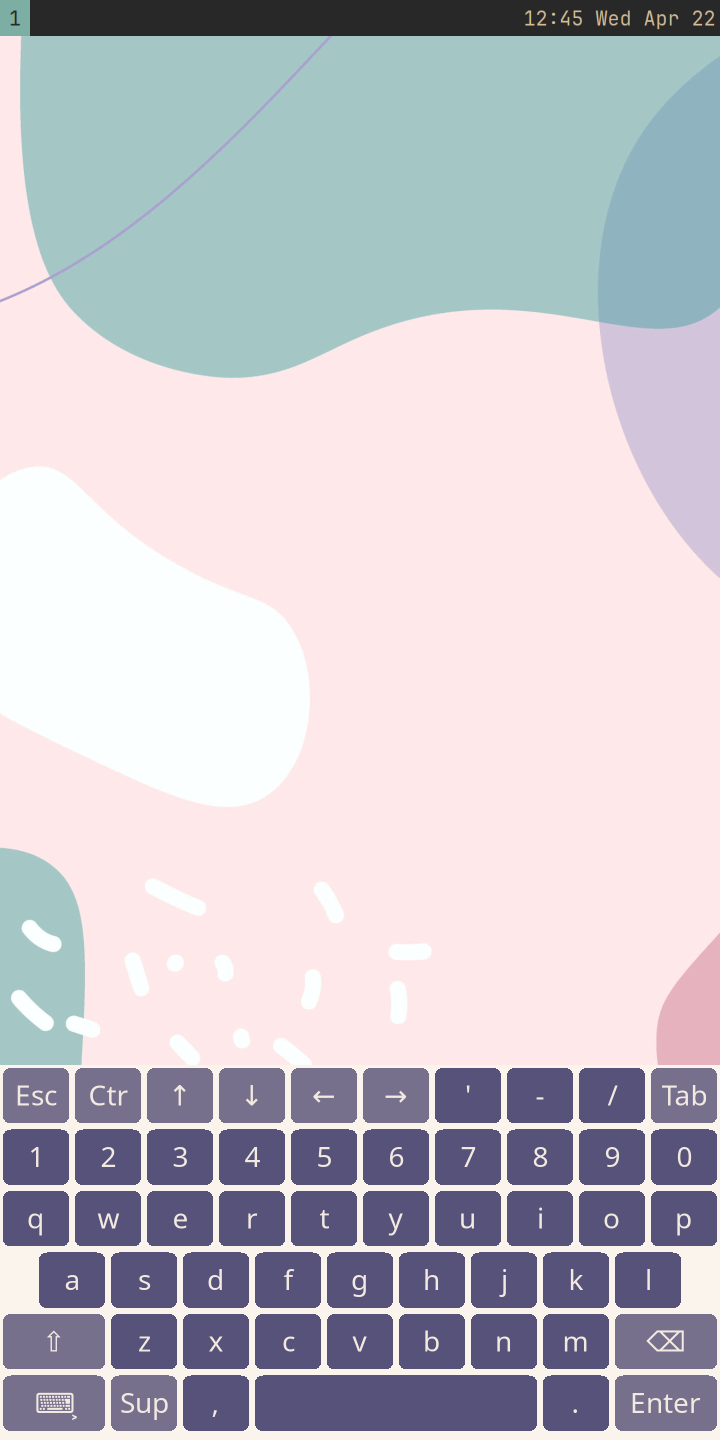
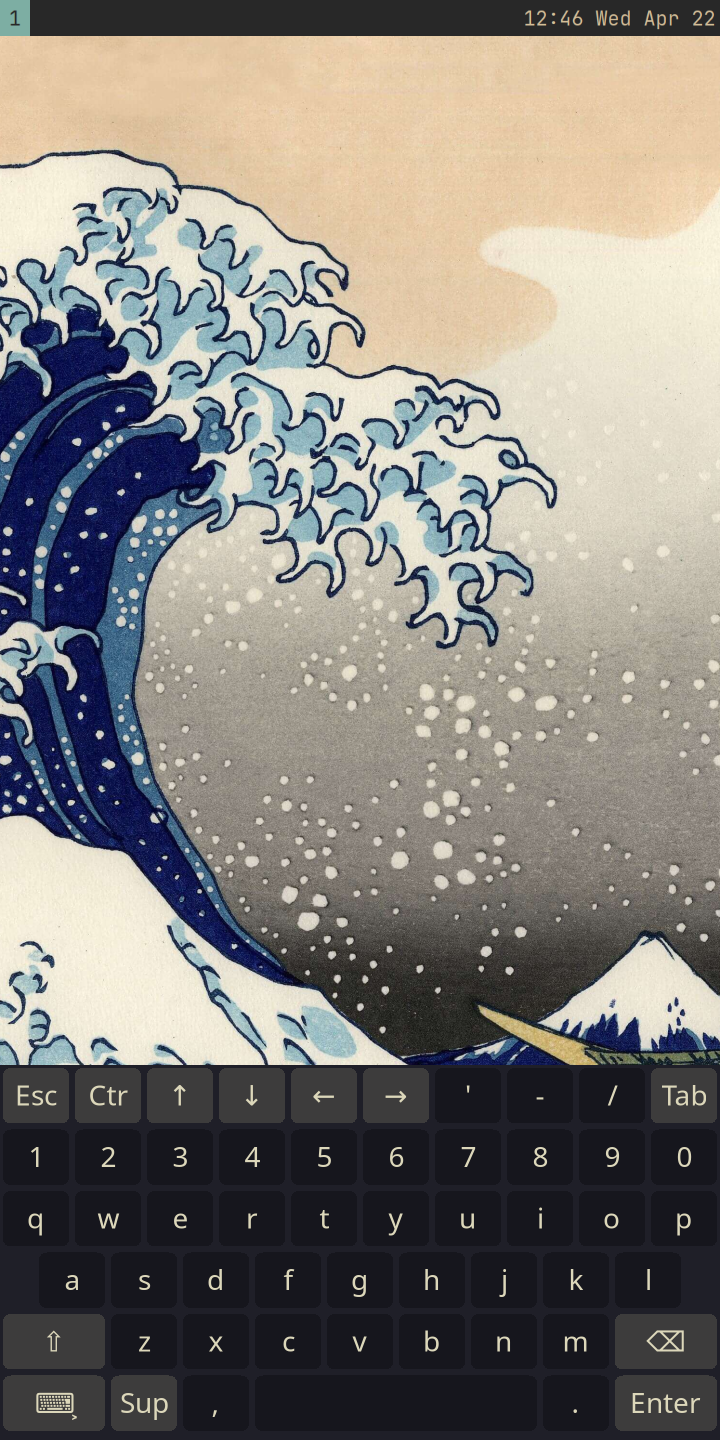
The phone, on six themes
Every shot below was captured live from the running phone over
USB-Ethernet via tools/phone-shots.sh — Sway,
swaybg, swaybar, wvkbd-mobintl, fuzzel, mako, and the omfreebdy
theme switcher. The wallpaper changes, the keyboard recolors, the
OSD follows, and the same shell runs on the phone.
Read the journey
Each essay is one focused war story — the bug, the patch, the recipe. Read in order for the narrative; jump straight to a subsystem via the header nav.
- 01 01 · framing Why FreeBSD on a phone ● working
- 02 02 · boot Boot from SD with Honeyguide ● working
- 03 03 · build Building from source on honor ● working
- 04 04 · network USB-Ethernet up: SSH over USB-C ● working
- 05 05 · usb DWC3 gadget from scratch ● working
- 06 06 · touch Goodix and the PIC methods that didn't exist ● working
- 07 07 · display Display from black ◐ partial
- 08 08 · gpu GPU under load: making Panfrost usable ◐ partial
- 09 09 · bluetooth Bluetooth attached: BCM4345C5 firmware load ● working
- 10 10 · bluetooth The HOST_WAKE IRQ saga ◐ partial
- 11 11 · bluetooth SSP, Secure Connections, and the Murata firmware swap ● working
- 12 12 · bluetooth A2DP audio playing ● working
- 13 13 · audio On-device audio: I2S + RT5640 ● working
- 14 14 · status Where we are now ● working
- 15 15 · next What's next: finish WiFi polish, then modem ▸ next
- 16 16 · usb-pd fusb302: a USB-PD sink that works ● working
- 17 17 · usb DWC3 runtime role swap ● working
Status snapshot
Subsystem-by-subsystem, derived from the most-recent essay touching each one. The full breakdown lives in essay 14 — where we are now.
Recent commits
Live from the project repository — the last twenty commits, each one linked back to GitLab.
Reference
The appendix shelf is grouped by board first, then shared build recipes, audits, patches, and research.